Honor phones are now integrated with the Apple ecosystem: they support notification sharing with iPhones.
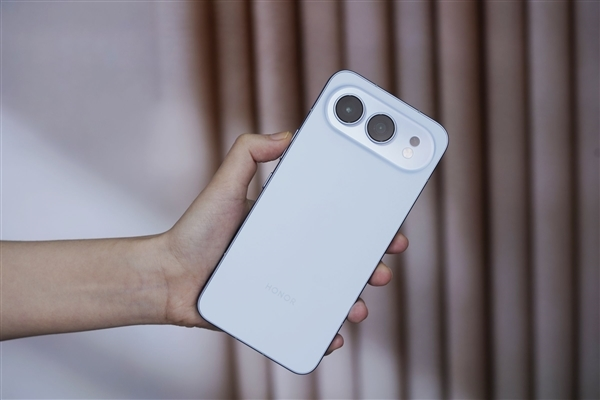
According to “Kaopu Guige,” product director of Honor MagicOS, notification sharing between Honor phones and iPhones has been launched on multiple models, allowing dual-device users to receive message notifications across devices.
It currently supports notifications from SMS, phone calls, WeChat, QQ, and low battery alerts. The relevant content will be shared and displayed among these devices to ensure that no important information is missed.
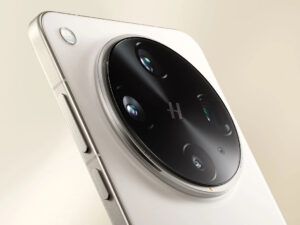
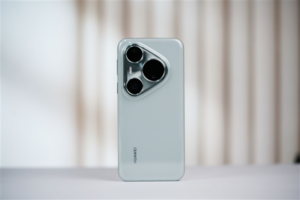
Currently supported models include: Honor MagicV5/V3/Vs3 series, Honor Magic8/7/6/5 series, Honor 500/400/300 series, Honor GT/GTPro, and Honor MagicPad3.
In addition, Honor is continuing to adapt the technology, and other models will be pushed out one after another.
Please note that this feature requires Honor phones to be upgraded to MagicOS 10 or later, and iPhones to be upgraded to iOS 15.6 or later.
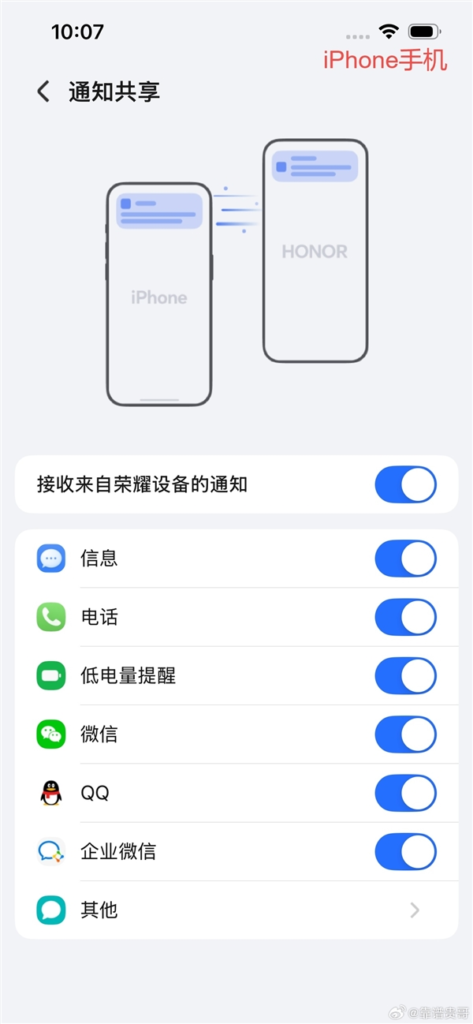
The binding method is as follows:
1. First, ensure that both the Honor phone and the iPhone are connected to the internet and that Bluetooth is enabled.
2. Download the “Honor Connect” App on your iPhone, open it, go to [Connect] → click [Get QR Code].
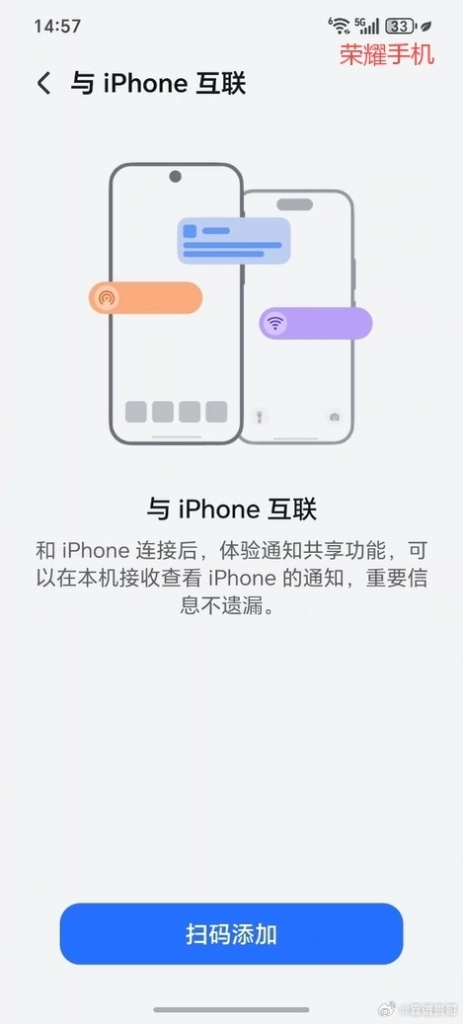
3. On your Honor phone, open Settings → Smart Connect → Connect with iPhone → Scan QR code to add.
4. Simply scan the QR code on your iPhone with your Honor phone to successfully bind your device.
5. After binding, select the notification type you want to synchronize to achieve notification flow between the two devices.

Kazam is Focused on creating and reporting timely content in technology with a special focus on mobile phone technology. Kazam reports, analyzes, and reviews recent trends, news and rumors in mobile phone technology and provides the best possible insights to enhance your experience and knowledge.