Huawei debuts industry-first intelligent hand grip recognition feature! Left and right hand recognition in 1 second
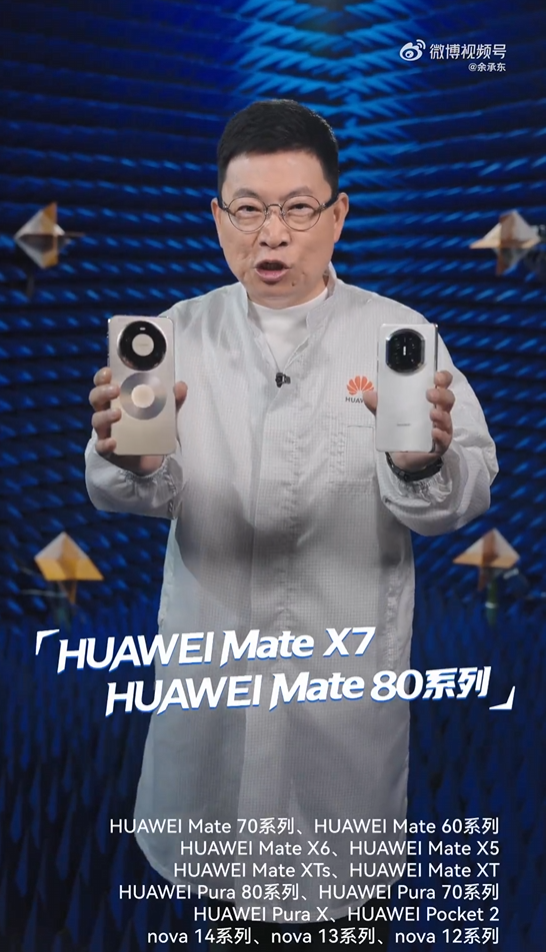
Fast Technology reported that Yu Chengdong, Huawei’s Executive Director, Chairman of the Product Investment Review Committee, and Chairman of the Terminal BG, explained the intelligent grip function first launched by the Huawei Mate 80 series and Mate X7 series.
The intelligent grip feature can quickly identify whether the user is holding the phone with their left or right hand and automatically adjust the interface position according to the grip posture. This is an industry-first feature.
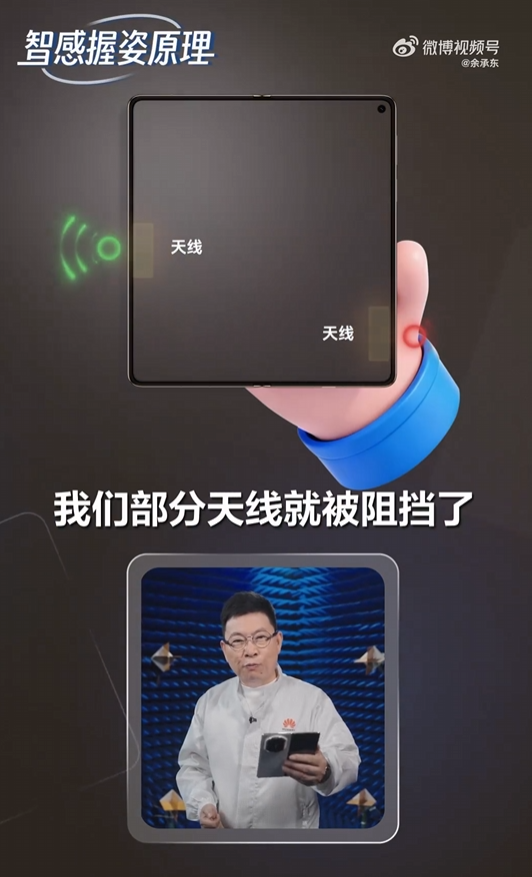
It is explained that when a user picks up the phone, the palm will block part of the antenna, causing the signal to change. At the same time, different ways of holding the phone will also cause the internal sensors of the phone to collect different data.
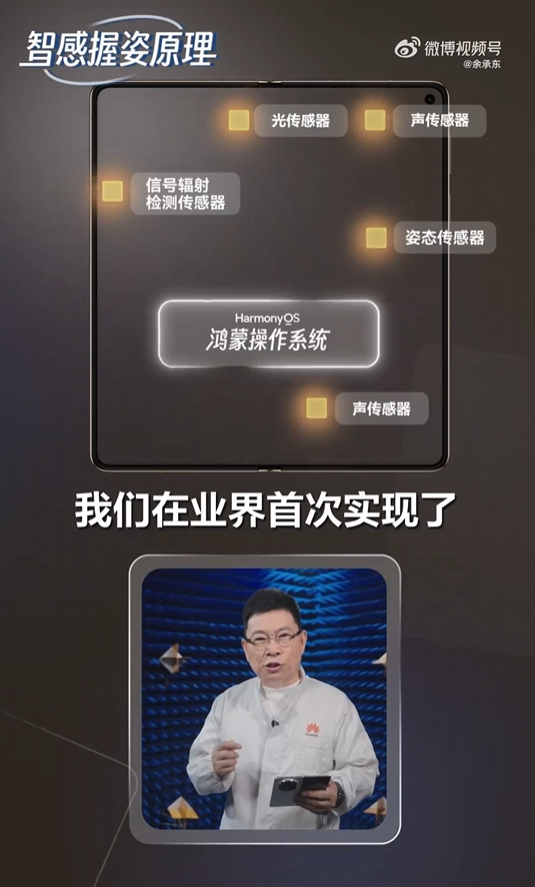
Based on the HarmonyOS operating system,
Huawei has achieved, for the first time in the industry, the fusion of various sensor data within milliseconds. Combined with Huawei’s self-developed AI chip and dedicated AI algorithm, it can determine which hand is holding the phone within one second.
With this capability, users can more easily operate with one hand when making calls or watching short videos on a large-screen phone, improving ease of use.
The intelligent grip posture supports the following scenarios:
When a banner call comes in while the user is holding the phone, the intelligent grip panel will appear according to the user’s grip posture.
After the phone is unlocked and placed on the table, when the user picks up the phone to answer a call, the intelligent grip posture will follow the user’s grip posture.
After the user answers a call by placing the phone to their ear and turns off the screen, the screen automatically lights up when the user puts the phone down to reveal the intelligent grip panel, making it convenient for the user to hang up.
When answering a call by switching hands, the intelligent grip panel will switch accordingly, supporting up to 3 switching between left and right hands.
In addition, users can manage the main switch of the Smart Grip function with one click in Settings – System – Smart Grip (for Phone and MeeTime, you need to click the four dots in the upper right corner of the Phone page, select the banner for incoming call notification, and then manage the Smart Grip function for Phone and MeeTime).

Kazam is Focused on creating and reporting timely content in technology with a special focus on mobile phone technology. Kazam reports, analyzes, and reviews recent trends, news and rumors in mobile phone technology and provides the best possible insights to enhance your experience and knowledge.