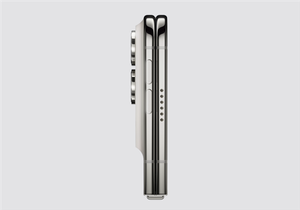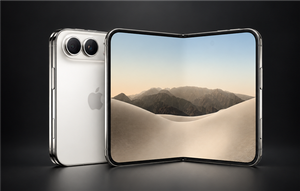
iPhone 18 Pro lagged immediately upon arrival; Apple says Spotlight is indexing and may take several days.

In the first few days after the iPhone 18 Pro was released, many users reported that their new devices were a bit laggy and less responsive than expected. This issue was previously attributed to a bug in iOS 27, but Apple has now finally provided an official explanation—it wasn’t a system crash, but rather Spotlight building an index in the background.
According to AppleInsider, this lag isn’t limited to the iPhone 18 Pro series; older models also experience similar issues after upgrading to iOS 27. The root cause is the same: the system creates a Spotlight index in the background. Simply put, the system scans the phone’s files, apps, photos, emails, messages, contacts, music, and notes, creating a local search directory for easy access later.
The benefits of building this index are numerous. Spotlight searches for files, emails, and memos will be faster, and Siri AI can also extract information from emails and calendars based on this index, such as automatically checking flight times. The downside is that during the index building process, the CPU and hard drive are working under high load, which will make the phone feel slower, hotter, and drain the battery faster.
Apple explicitly states in its support documentation that indexing is performed entirely locally on the device, and all data resides locally, without being uploaded to a server. The initial indexing process is the most labor-intensive and the most noticeable to users. The exact time required depends on the amount of data stored on the phone—users with many photos, files, and chat logs will experience a longer wait.
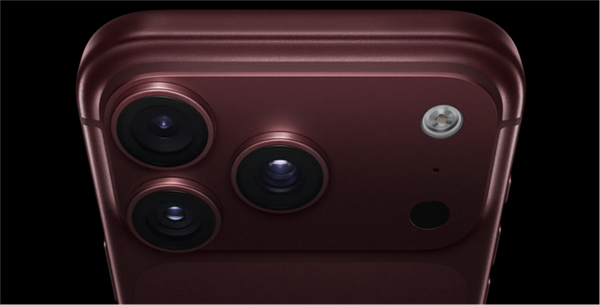
Apple officially states that the indexing process takes several hours or even days. However, based on actual observations, the indexing process for some devices has even lasted up to a week. This timeframe is indeed quite long, which explains why users might suspect there’s a problem with their phones.
Apple also provided three ways to speed up indexing: leave the device idle, plug it in, or connect it to Wi-Fi or Ethernet. Simply put, charging your phone and leaving it connected to Wi-Fi before going to bed will speed up indexing.
This issue isn’t unique to iOS 27. Every time Apple releases a major update, a wave of users complain about slower phones and faster battery drain in the first few days, but these issues usually resolve themselves within a few days. The problem is mostly due to indexing issues. However, this year, the iPhone 18 Pro also experienced Face ID malfunctions and automatic restarts, making the discussion about this “first-release mishap” even more heated.
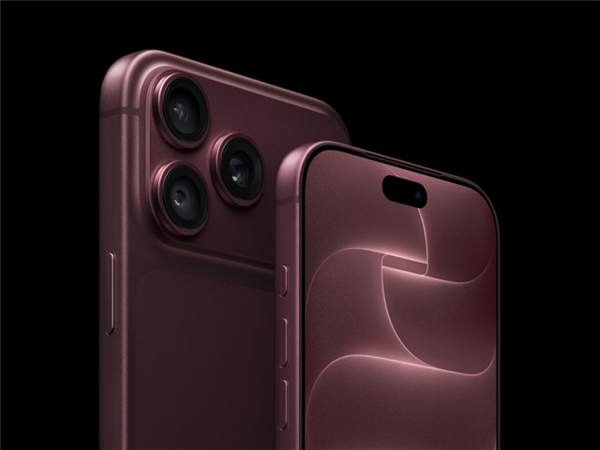
The good news is that Apple has released the iOS 27.0.1 update, fixing several serious bugs, including Face ID malfunctions. Indexing is a normal process and not a bug; it will be fine once it’s complete. If your iPhone is lagging after a recent upgrade or you just got it, be patient and wait a few days; it might be smooth by the weekend.

Kazam is Focused on creating and reporting timely content in technology with a special focus on mobile phone technology. Kazam reports, analyzes, and reviews recent trends, news and rumors in mobile phone technology and provides the best possible insights to enhance your experience and knowledge.